
Inside the North Carolina Court System
The General Court of Justice is the formal name for the whole structure. It has two trial divisions, District and Superior, plus an appellate division. The Supreme Court of North Carolina sits at the top. Below it, the North Carolina Court of Appeals handles most appeals first. Magistrates work inside District Court rather than forming their own tier.
Money divides the civil dockets. Superior Court takes claims over $25,000. District Court handles claims up to that amount, along with most misdemeanors, infractions, and family and juvenile cases. Small claims, run through magistrates, cap at $10,000. Treat these figures as rough guides. Case type and procedure also shape where a case lands. Whatever the division, one elected county Clerk of Superior Court keeps the records for both.
| Court Level | Typical North Carolina Matters | Docket Path |
|---|---|---|
| Supreme Court of North Carolina | Highest state appellate court | Separate appellate docket and court record |
| North Carolina Court of Appeals | Intermediate appeals from state trial cases | Separate appellate docket and filings |
| Superior Court | Felonies, civil claims over $25,000, and appeals from District Court | County Clerk of Superior Court keeps the trial record |
| District Court | Misdemeanors, infractions, family and juvenile matters, and civil cases within its jurisdiction | The same county Clerk of Superior Court keeps the record |
| Magistrate functions | Small claims up to $10,000, summary ejectment, warrants, and other assigned matters | Functions within the District Court division |
North Carolina Trial Court Districts
Geography matters for a docket search. The state has 43 District Court districts, and District Court sits in every county seat. Superior Court is organized into 48 districts spread across five divisions. Its judges rotate among the districts in their division every six months. The maps describe organization, not a fixed bond between one judge and one courthouse.
The North Carolina Administrative Office of the Courts (NCAOC) handles centralized administration and court technology. Article IV, Section 15 of the state constitution creates that structure, while G.S. 7A-340 and G.S. 7A-343 set out the office and its Director's duties. NCAOC coordinates services, forms, and policy, but county case files stay in county hands.
The official District Court map took effect January 1, 2024. A district number helps you see how the courts are laid out. When you want an actual docket, the case type and the filing county still drive the search.
Note: Superior Court judges rotate among districts within each division every six months. Local session assignments can change.
The North Carolina Statewide Search Portal
The North Carolina eCourts Portal is the public search layer for trial cases statewide. Its Smart Search tool finds cases. The Portal also lists Hearings, Payments, and Judgment Search. Open a case and you get a Case Summary plus a Register of Actions. That register shows public details, events, dispositions, hearings, financial information, and links to any available documents. Every one of the state's 100 counties was live by October 13, 2025.
Basic public search is free and needs no account. An optional account saves My Cases, but it unlocks no restricted files. The Portal is not the filing system. It is not a certified case file either. Its basic search guide documents a 200-result limit, so common names may need filters. For a full walkthrough, see North Carolina case lookup.
| Portal Function | What It Covers | Limit to Keep in Mind |
|---|---|---|
| County coverage | Public trial-case data across all 100 counties | Coverage does not make every record public or every paper file digital |
| Case summary and Register of Actions | Case details, events, dispositions, hearings, and financial information where available | A public event list is not the full certified docket or a transcript |
| Documents | Links to available public documents, which the FAQ says may be viewed or printed without charge | Availability depends on the case and document; scanning is not guaranteed |
| Public account | Optional My Cases convenience feature | Registration does not grant access beyond public permissions |
| Search results | Smart Search and other public tools | Basic search is limited to 200 results; no public refresh interval is stated |
For a statewide docket search, the public entry point is the North Carolina Portal Smart Search entry, which indexes court records from across the state.
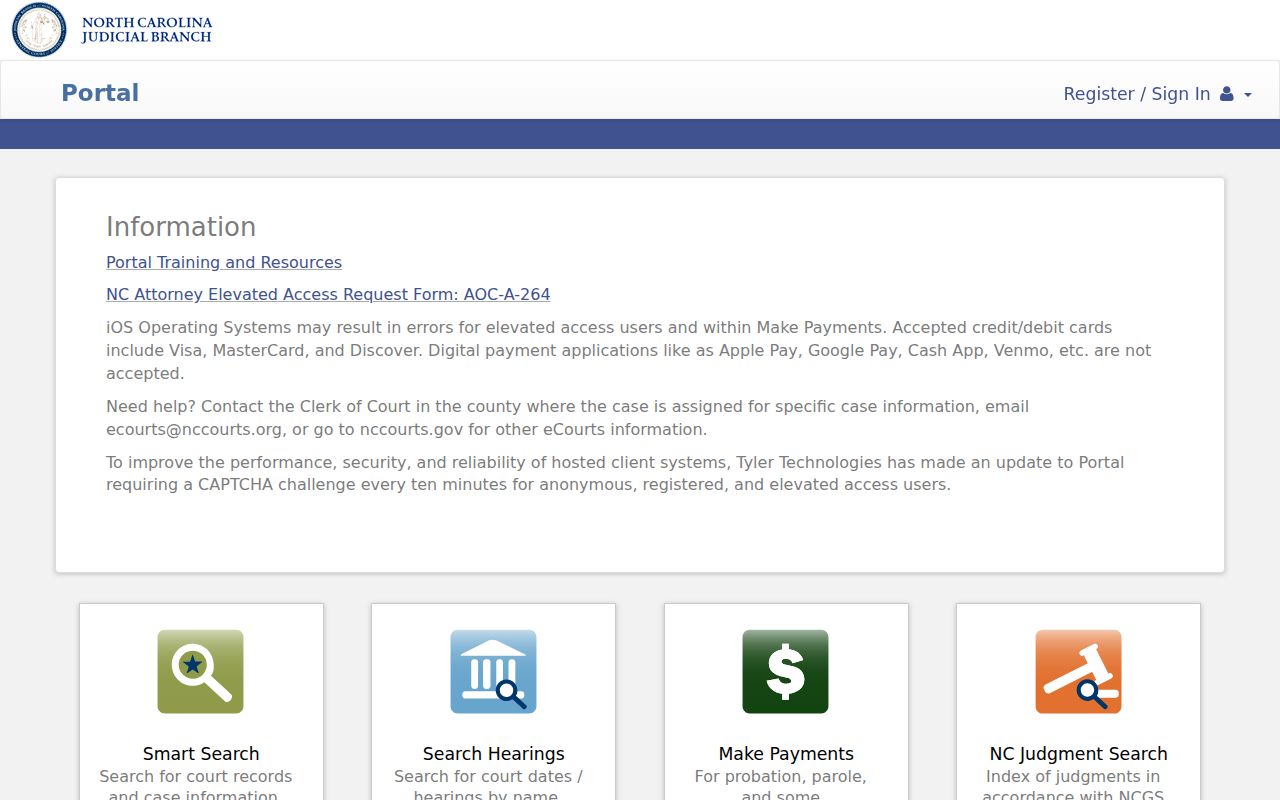
A Smart Search screen starts a case lookup. The public summary it returns is still not the complete county file.
Incomplete North Carolina Portal Results
Coverage in every county does not mean every detail or historic document is public online. Juvenile, sealed, protected-order, and expunged information may be restricted. A case summary is not an image archive of every paper filing. North Carolina migrated legacy case information, and some counties scanned records before go-live. No source guarantees an oldest searchable year or claims every old document was imaged.
When a case or document is missing online, ask the county clerk what exists. The Portal FAQ dates to July 2024 and the advanced guide to October 2023. Both are earlier than the final statewide conversion, so menus and filters may differ from those guides. No source states a refresh interval, uptime window, or bulk-export service. A blank query does not prove a case is absent.
Note: Statewide county participation does not make every document public. It does not establish a guaranteed online archive date.
How North Carolina Dockets Reach the State Index
Every North Carolina case starts in the filing county. There, the Clerk of Superior Court maintains the trial record. Authorized filers can submit documents through File & Serve. Enterprise Justice/Odyssey manages the case workflow behind the scenes, while the separate eCourts Portal shows only permitted public information.
Data path: County filing → county case record → Tyler File & Serve for authorized e-filings → Enterprise Justice/Odyssey case management → public Register of Actions in the eCourts Portal.
The statewide index does not move the original file to Raleigh. For official copies, older material, or anything unavailable online, the county clerk remains the source. The county directory can point you to the filing county. Appeals open a separate appellate docket. Federal cases run through separate federal systems entirely.
North Carolina's Clerk Keeps Both Trial Dockets
The title "Clerk of Superior Court" sounds like a Superior Court-only job. It is not. In North Carolina, one elected clerk per county keeps the records for both Superior and District Court. That coverage spans criminal, civil, family, small-claims, special-proceeding, estate, and other trial dockets. The clerk also acts as judge of probate.
There is no separate District Court clerk in any county. NCAOC backs statewide services but holds no local case files. A clerk can point you to a paper file. The clerk can also help with a public terminal or the certified-copy process. The state's court officials information describes the clerk's responsibilities in detail.
E-Filing Through Tyler File & Serve
Authorized filers use Tyler Technologies File & Serve to submit court documents. They can also pay filing fees and get status notices there. It is a submission tool. It does not serve public docket search. Guide & File is a separate service that helps users prepare selected forms.
North Carolina rolled out eCourts in county tracks. There was no single day when mandatory e-filing took effect for every filer and case class. Today's filing rules and implementation guidance control, and not every filing must be electronic. A filing shows up in the public Portal only when the case information itself is public and available. The official File & Serve service is the gateway authorized court filers use for submission.
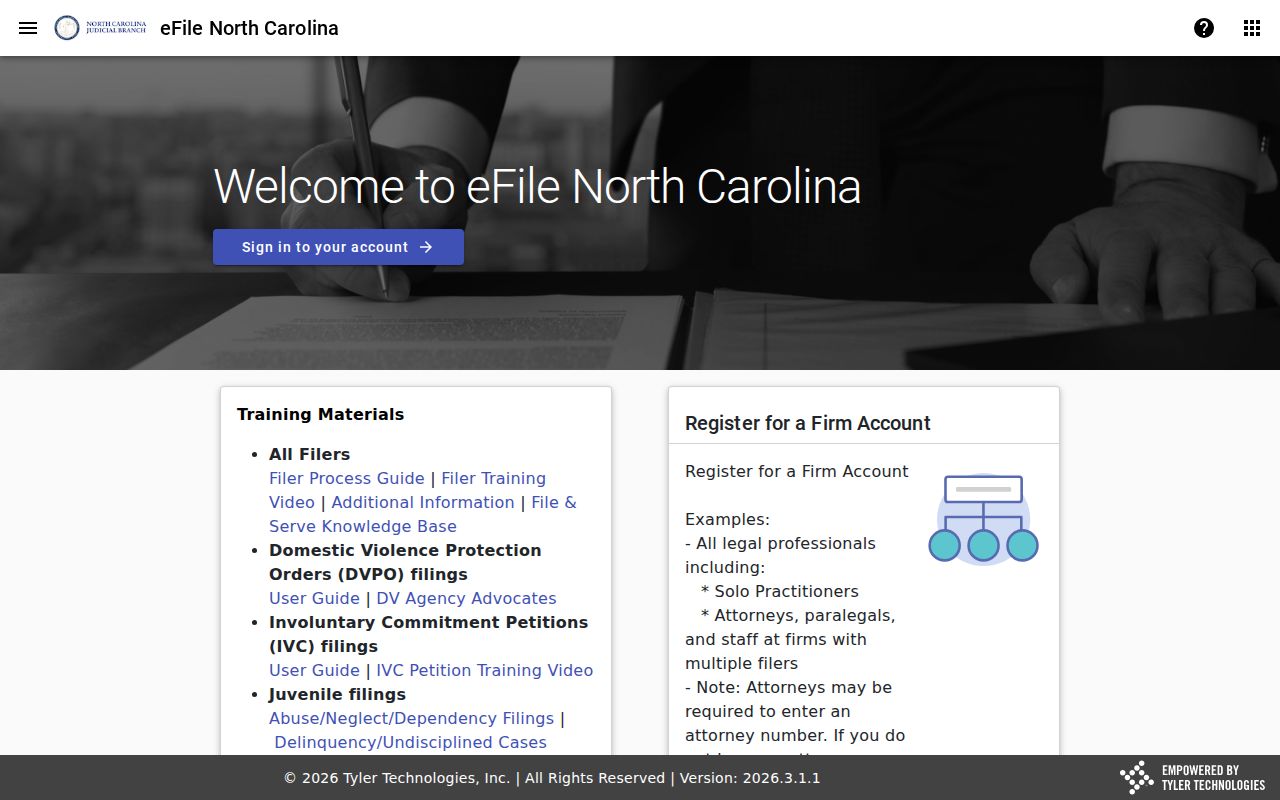
This interface handles submissions only. For docket search, the public turns to the separate eCourts Portal and its permitted case information.
Note that Portal access for the public, attorney filing privileges, and internal case-management permissions are distinct parts of the North Carolina system.
Three North Carolina Court Technology Roles
Think of eCourts as three roles in one process. A filer submits a document. Court staff manage the case file. The public searches permitted information. Keep this in mind: a public search account is not an e-filing account.
| Service | Role | Typical User |
|---|---|---|
| Tyler File & Serve | Submits and serves authorized electronic filings | Attorneys and other authorized filers |
| Enterprise Justice/Odyssey | Statewide case-management environment used in court workflow | Court personnel and authorized users |
| North Carolina eCourts Portal | Public search for permitted trial-case data, settings, and other listed services | Members of the public and registered Portal users |
The services connect inside one statewide process, yet each has its own access rules. Registering for public My Cases does not grant attorney or staff privileges.
North Carolina Portal vs County Docket
The Portal is the statewide public index. The trial record lives with the Clerk of Superior Court in the filing county. Begin with a docket search in the Portal. Once you identify a public case, review its Register of Actions there. For the full file, older material, or an official copy, ask the clerk directly.
| Question | North Carolina eCourts Portal | County Clerk Record |
|---|---|---|
| What can I search? | Public trial-case index across all 100 counties | Records held for the county case, subject to access law |
| What does the docket show? | Case summary and public Register of Actions entries | The official trial record and available filings |
| Where are documents? | Links to available public images when present | Paper or electronic filings, including items not linked in Portal |
| How do I get a certified copy? | Portal search is not a certification service | Ask the Clerk of Superior Court in the filing county |
Chapter 132, the North Carolina Public Records Law, covers state-agency records. Court case files follow separate rules, including G.S. 7A-109. The county directory connects you to the filing county's clerk for a case document or certified copy.
Remember, a statewide case index never replaces the county clerk's official file or certified-copy process.
North Carolina Business and Appellate Dockets
The North Carolina Business Court is a specialized forum within Superior Court. It is not a new trial tier. Cases assigned to it stay in Superior Court. Even so, the Business Court keeps its own calendar and resources. The official Business Court information page lays out how it works.
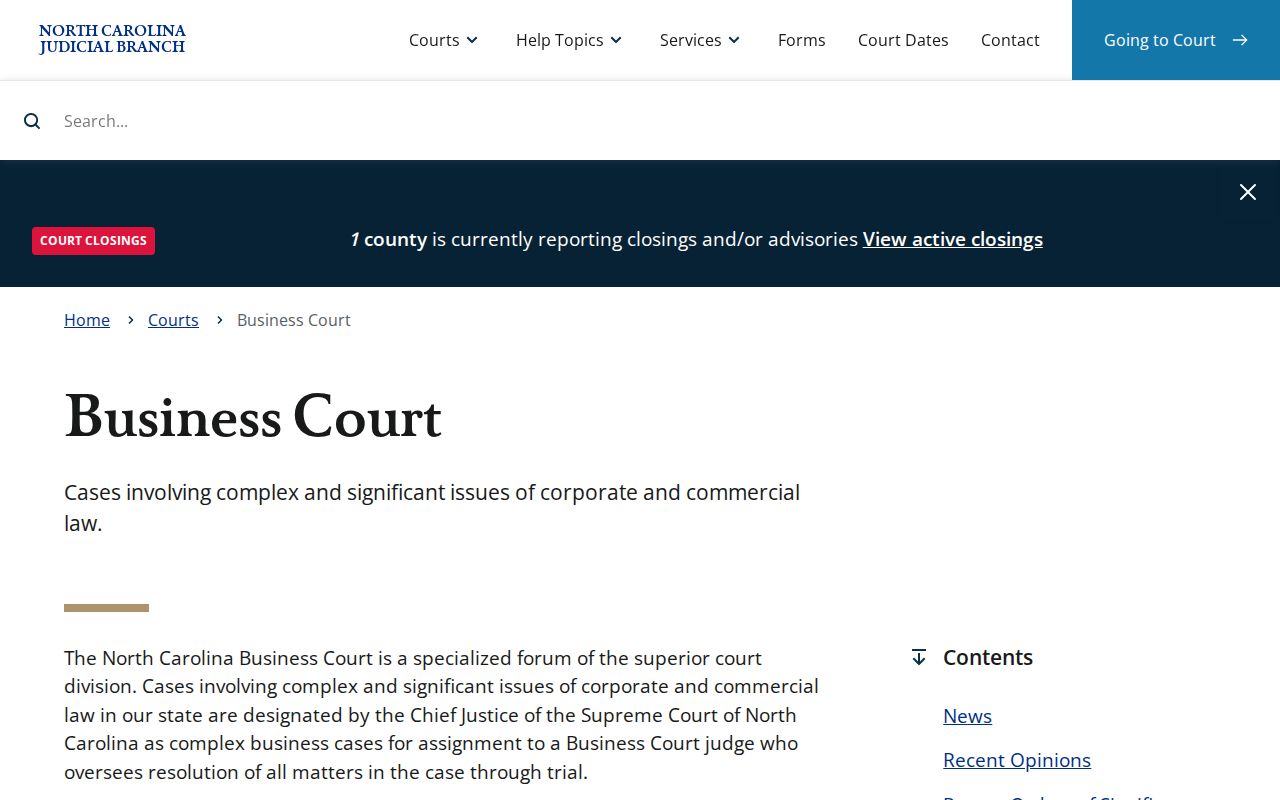
The specialized forum supplies its own resources while sitting inside the Superior Court structure.
An appeal opens a second state docket. In the county case you may see the notice of appeal and record preparation. Briefs and decisions, though, belong to the appellate case. Search those filings through the NC Appellate Courts document library. Argument calendars sit apart from county trial settings.
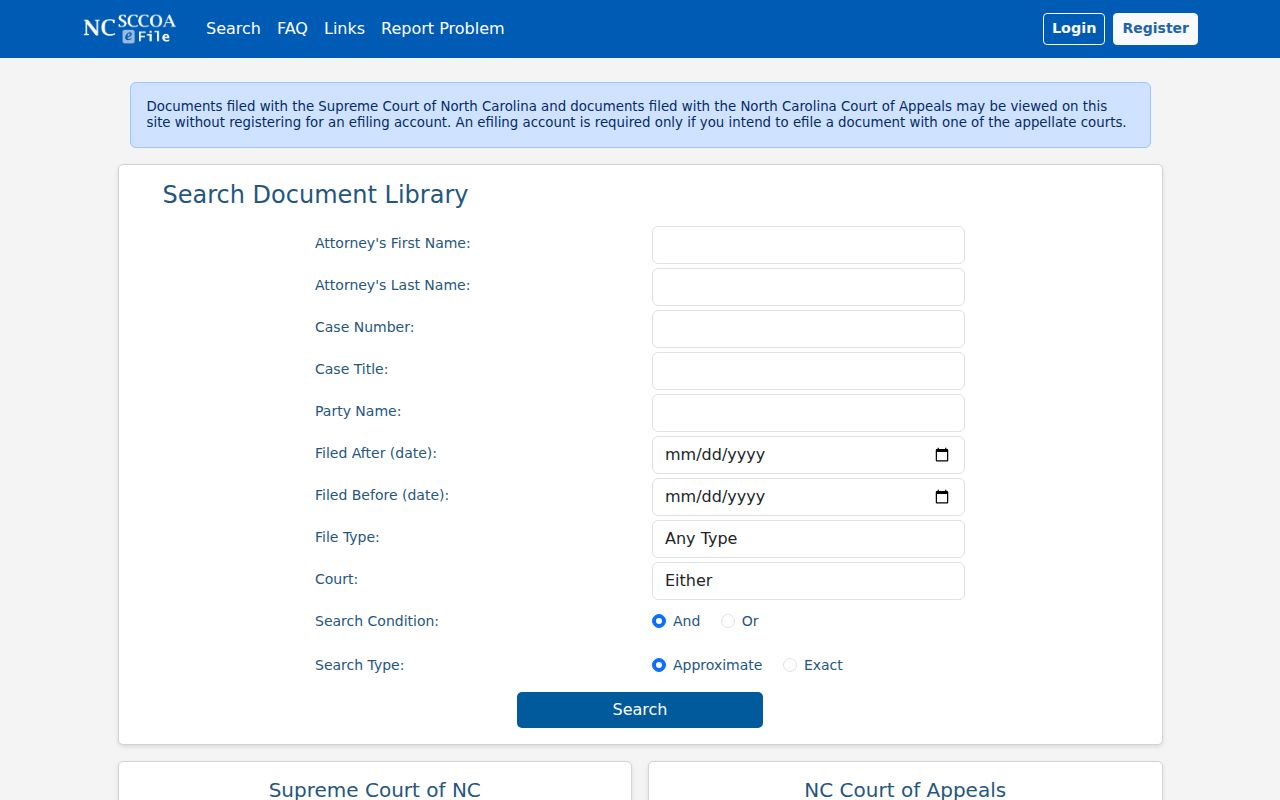
That appellate document search runs on a different docket and case number than the county trial case that started the matter. Federal cases live elsewhere entirely, outside the state court Portal. The Eastern District of North Carolina CM/ECF service handles federal docket and filing access for that district.
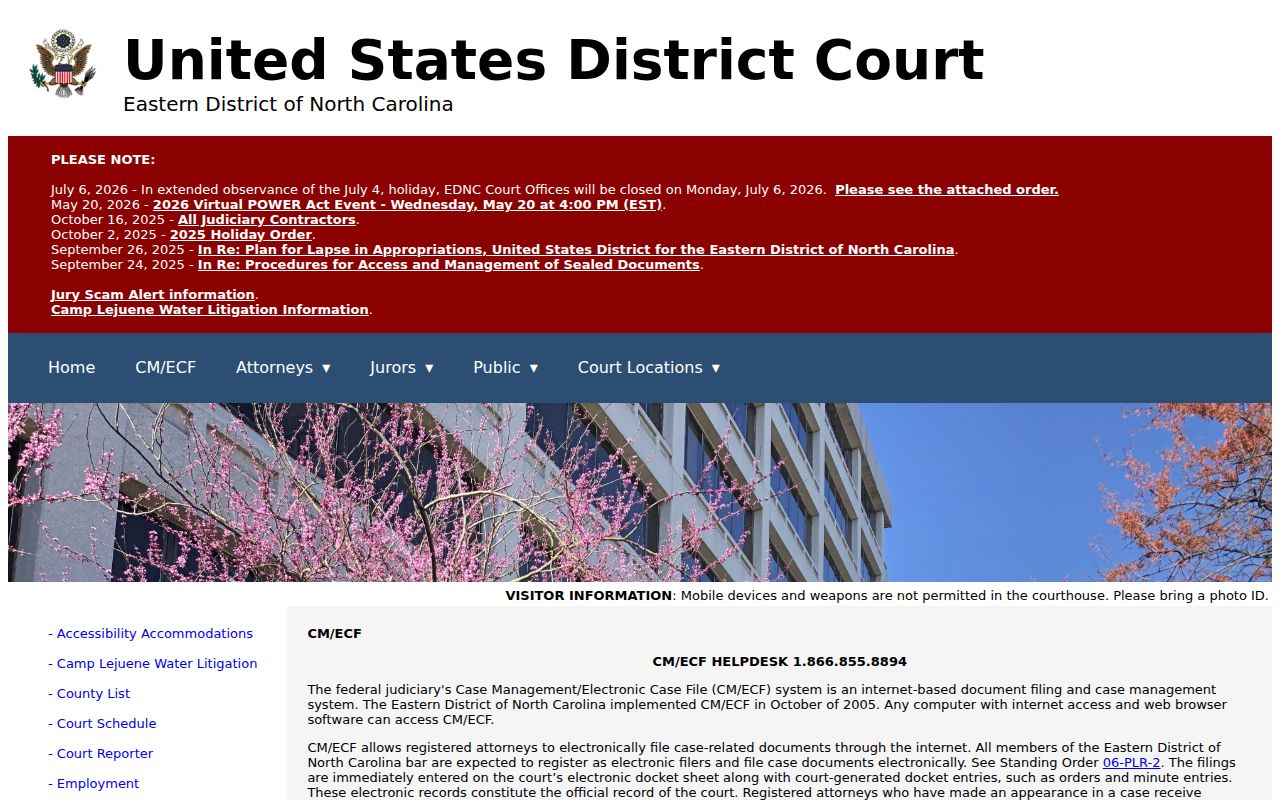
Federal court files never appear in the North Carolina state-court Portal. For those records, the public route is the federal PACER service.
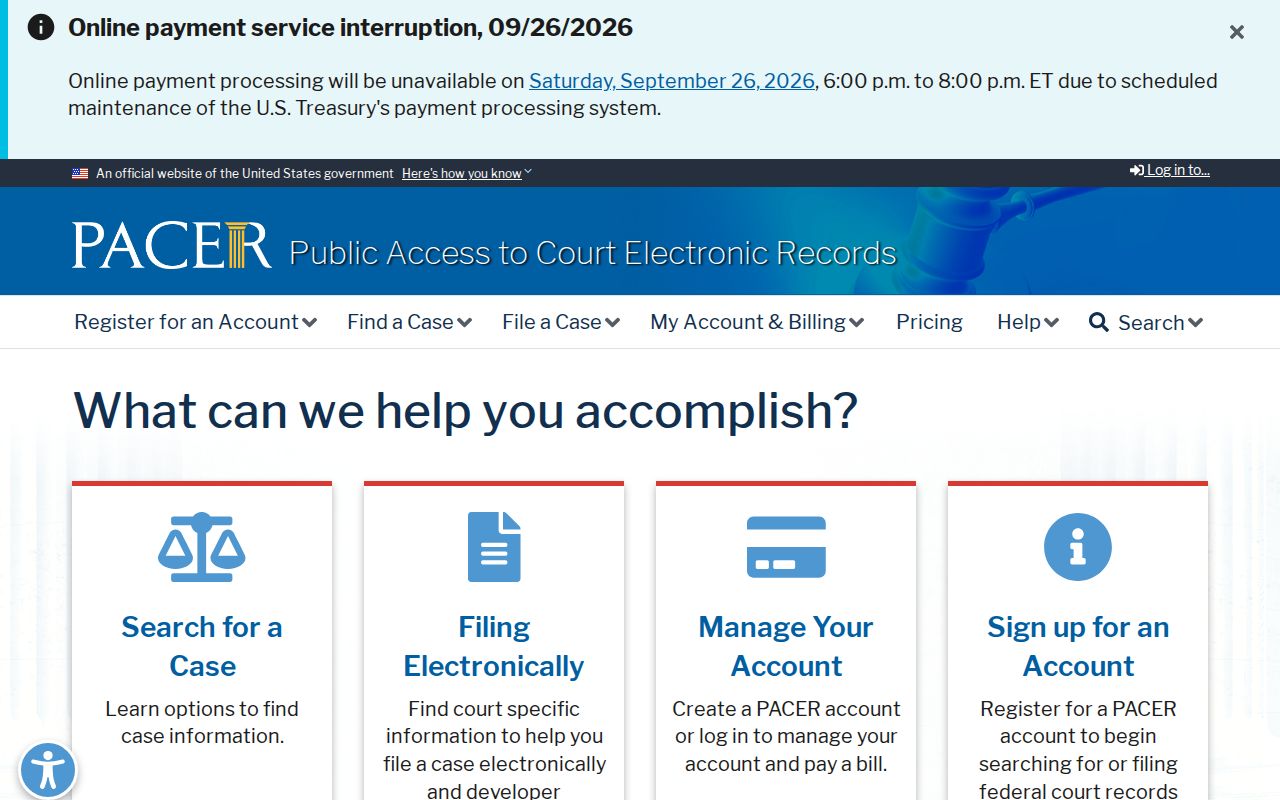
PACER is separate from both county trial dockets and North Carolina appellate filings.
North Carolina Court Technology and History
North Carolina's court structure has deep roots. Superior Courts date to 1777. A 1962 constitutional amendment set the basis for a unified system. NCAOC followed in 1965. District Courts arrived in 1966 to handle much of the everyday civil and criminal caseload.
The eCourts project then replaced legacy systems in phased tracks. Wake, Harnett, Johnston, and Lee were early counties; Mecklenburg converted in October 2023. The final 13 counties went live on October 13, 2025. That put all 100 counties on Enterprise Justice/Odyssey with statewide Portal access.
Migration and county pre-scanning did not guarantee online images of every old paper file. The change unified docket search across the state. It left local custody with each county clerk. For current transition details, the Judicial Branch's eCourts overview is the place to check.
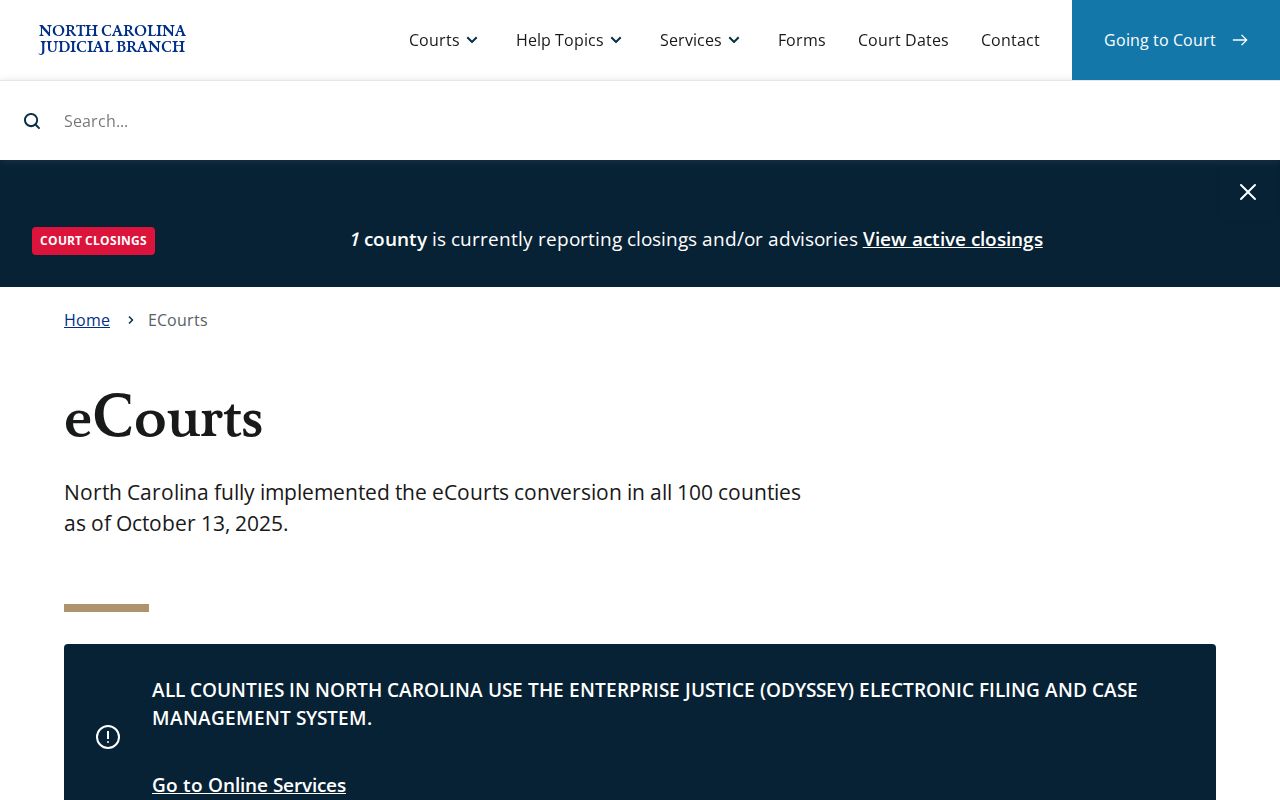
The rollout view may show statewide coverage. Individual paper documents, though, can still require a trip through the county clerk.
North Carolina Court Access Initiatives in 2026
On December 2, 2025, the North Carolina Judicial Branch launched a case statistics dashboard. Filters cover county, court, and case type. The dashboard covers filings, dispositions, pending matters, and case age. Mind the period and the filters you choose. One year's filings are not the same as pending caseload. The dashboard announcement gives the details.
February 2026 brought forms AOC-G-164 and AOC-G-165, which streamline remote-hearing requests. Audiovisual upgrades arrived in more than 200 courtrooms. Filing a request does not guarantee remote appearance; court orders govern. Then on April 6, 2026, a library partnership opened access to the same online court services from public library computers. That is not a separate database. It adds no permissions. Read the remote-hearing update and the library access notice for more.
Portal help materials carry their own dates. The FAQs and advanced guide predate the final statewide conversion. The Judicial Branch has published no universal refresh time or uptime commitment for the Portal.