
Court Calendars in North Carolina
Calendars and dockets answer different questions in North Carolina. A calendar groups cases by session, date, or courtroom. The docket holds the case history behind each setting, including changes made later. The state's official Court Dates page gathers the main tools in one place: case Hearings, statewide Hearings search, county civil and criminal calendars, and local schedules.
A calendar helps you spot a setting. It does not replace the case record or the notice sent to a party. Compare the listed date with later docket events and the current written notice. If they conflict, call the court office before relying on either one.
For a county-organized view, the Calendars by County interface routes you to local civil and criminal schedules across the state.
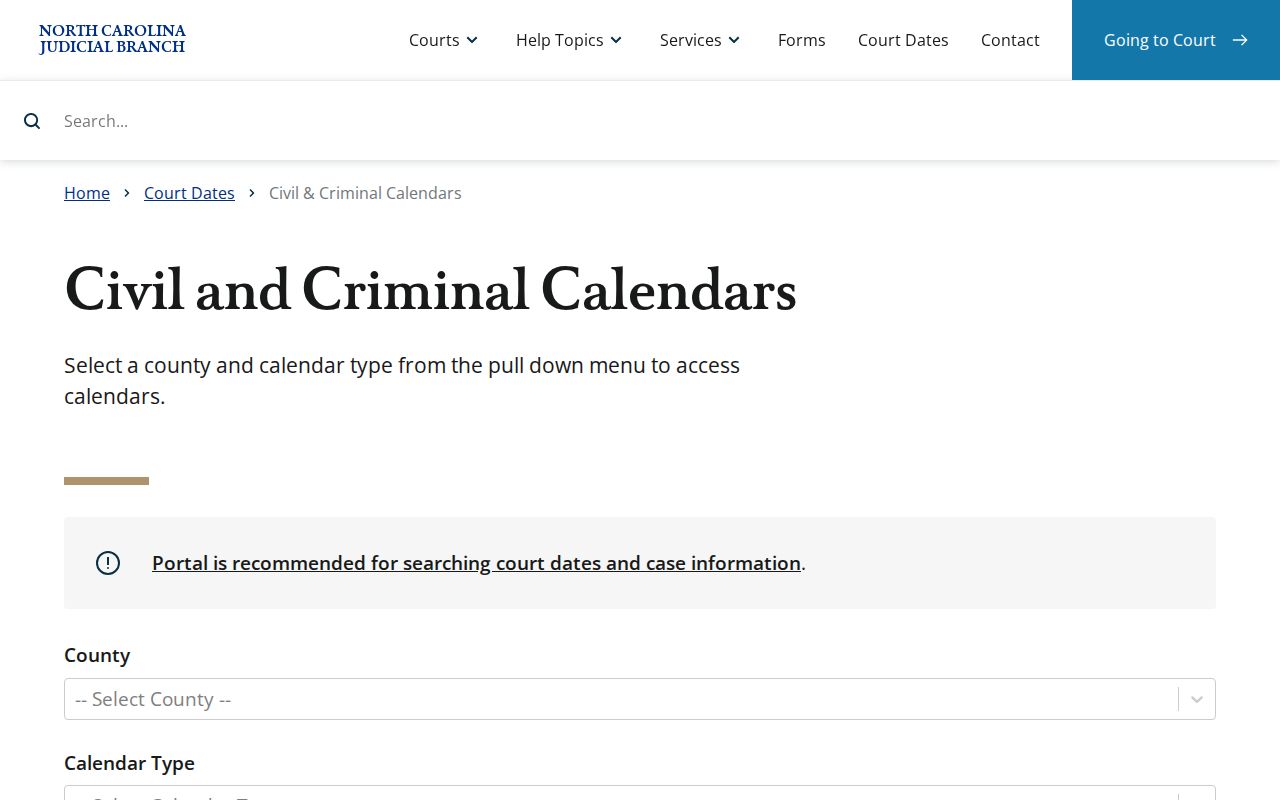
The county-based schedule view is separate from the Portal's case-specific hearing list. Use it to find a local civil or criminal calendar. Then confirm any single setting in the case record or the notice itself.
North Carolina Calendar Scopes
Not every calendar covers the same ground. A case-level hearing belongs to one file, while a county schedule gathers many local matters. Business Court, the appellate courts, and Superior Court terms each publish their own calendars.
| Calendar | Scope | How to Use It |
|---|---|---|
| Portal case Hearings | Public hearings attached to an individual trial case | Check a known case’s setting |
| Portal Hearings search | Public settings searchable across locations by date and other criteria | Look for a setting when the case number is not known |
| Calendars by County and local schedules | Upcoming county civil and criminal calendars, plus local administrative schedules | Check a session, court location, or local calendar practice |
| Business Court calendar | Specialized Superior Court proceedings | Follow a case assigned to Business Court |
| Superior Court Master Calendar | Statewide Superior Court term schedule | Review term dates, not an individual notice |
| Appellate argument calendars | Oral arguments at the Court of Appeals or Supreme Court | Track an appeal separately from its trial-court case |
These tools serve different purposes. A Superior Court Master Calendar lists terms. Appellate calendars show oral arguments. Business Court is a specialized Superior Court forum. The Calendars by County service groups county civil and criminal schedules in one place.
The North Carolina Court Dates landing page links to each of these official tools. You can pick the right view without guessing.
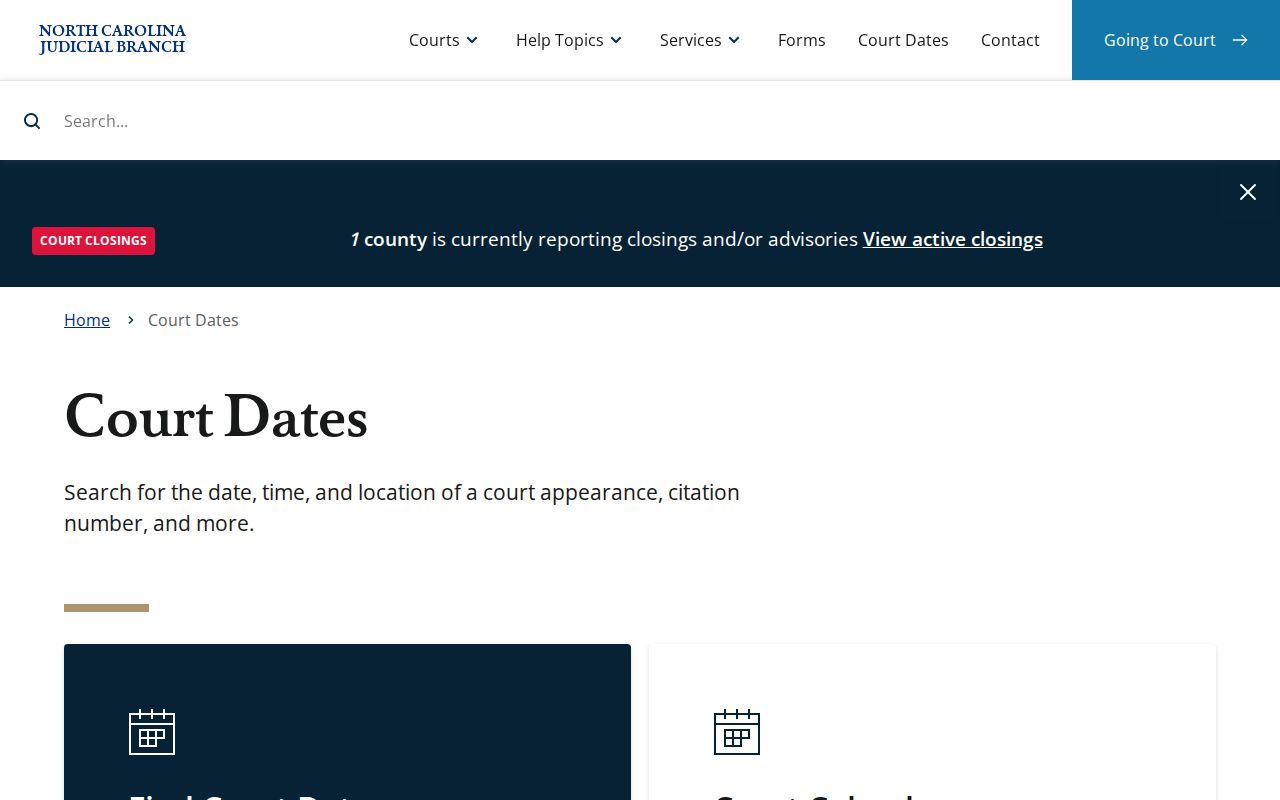
Treat the landing page as a directory of official calendar tools. Choose the view that matches what you are tracking. That might be a single case, a county schedule, or an appellate proceeding. Calendars by County and the Portal can each help you locate a date. Neither replaces the case-specific notice or order.
Finding a North Carolina Court Date
Start with the case number or a party name. If you have neither, try the statewide Hearings search, then check county schedules or contact the court directly.
- Open the case in the North Carolina eCourts Portal and review its Hearings section.
- Without a case number, use statewide Hearings search for a North Carolina setting. The guide lists party, business, attorney, case number, officer, courtroom, location, and date-range searches.
- Check the Calendars by County page for North Carolina civil or criminal schedules, then review any local administrative schedule for the session.
- Use the North Carolina county directory to reach the filing county’s local calendar and contact information.
- Compare the setting with the latest written notice or order and later events in the North Carolina docket.
- Call the county Clerk of Superior Court or Trial Court Administrator to confirm a change. Find the office through official North Carolina court locations.
- If online search is not enough, use the filing courthouse’s public terminal or clerk counter; North Carolina courts also post or print daily calendars in some locations.
Verify the case number and county before trusting a similar-looking result. Searching a calendar never changes a court order or extends a deadline.
North Carolina Portal Hearings Search
The Portal offers a Hearings section inside each case plus a separate statewide search for settings. The North Carolina search guide documents these fields, though menu labels on the live site may differ.
| Search Field | Documented Use | Current Caveat |
|---|---|---|
| Location | Choose all locations or a county location | The complete current list was not captured |
| Hearing Type | Guide lists civil, criminal, family, probate, and mental health categories | Live options may differ |
| Search Type | Case number, party, business, attorney, bar number, judicial officer, or courtroom | Exact current labels were not verified |
| Search Detail | Enter the value that matches the selected search type | Fields depend on search type |
| Date From and Date To | Set the search date range | No universal maximum range was found |
| Search action | Submit the selected criteria | The current button caption was not confirmed |
The table follows Judicial Branch training and an October 2023 guide. The guide's county menu predates full conversion. All 100 North Carolina counties now use eCourts. The guide's menu, though, may not match what you see today. No source states how often the search refreshes. Nothing documents its uptime window, its maximum date span, or whether it exports results. For an important setting, verify through the notice or the county court office. The October 2023 guide records the documented search fields. Current labels and options may have changed since.
Reading a North Carolina Court Setting
A setting links a case to one scheduled event. Read its parts together. A North Carolina calendar may show the court or courtroom, while the case Hearings view connects the event to the file itself. Keep in mind that no single public view shows every detail.
| Date | The day assigned to the hearing; check for a later event or notice before relying on an older entry. |
|---|---|
| Time | The scheduled start time when shown. Follow the written notice if it gives a more specific instruction. |
| Courtroom | The room or courtroom selection associated with a hearing search, when the court publishes it. |
| Judge or Judicial Officer | The assigned officer when displayed; the statewide search guide lists judicial officer as a search mode. |
| Setting Type | The hearing category or proceeding label provided by the court, such as the broad civil, criminal, family, probate, or mental health group. |
Confirm the case number and county before you rely on a setting. Search filters do not promise that every result shows every field. A master term calendar may list a session date while leaving out case details the Portal would show.
North Carolina Resets Are Not Dispositions
A changed setting does not mean the court resolved or dismissed the case. Read the later entry in the North Carolina Portal's Register of Actions. Compare it with the new notice, since calendar archives may still show the earlier date.
- Continuance
- A hearing or proceeding is moved to a later date. Check for the replacement setting and follow the notice from the court.
- Reset
- A new date or time is assigned after an earlier setting changes. A reset does not by itself say why the hearing moved.
- Cancellation
- A particular scheduled event may no longer go forward as listed. Confirm whether the case received a new setting.
- Disposition
- A case outcome or resolution entry. It is different from a calendar change and may have its own order or later event.
North Carolina Resets and Continuances
A North Carolina hearing can be continued, reassigned, or changed after a courthouse closure. Search later case events for a replacement setting. Do not assume the old date still stands.
Judicial Branch guidance says weather closures typically bring a new date by mail. Local practices vary, though. Ask the county Clerk of Superior Court or the court coordinator which setting controls. Keep the latest notice or order you received. Clerk staff can also explain how that particular court communicates weather-related closure notices.
North Carolina Master Calendars
North Carolina’s Superior Court Master Calendar shows statewide term schedules, not a personal hearing notice or every case assigned to a session. Use the Master Calendar archive for term dates and the case record for an individual setting.
The official Superior Court calendar archive is the source for this term-level view.
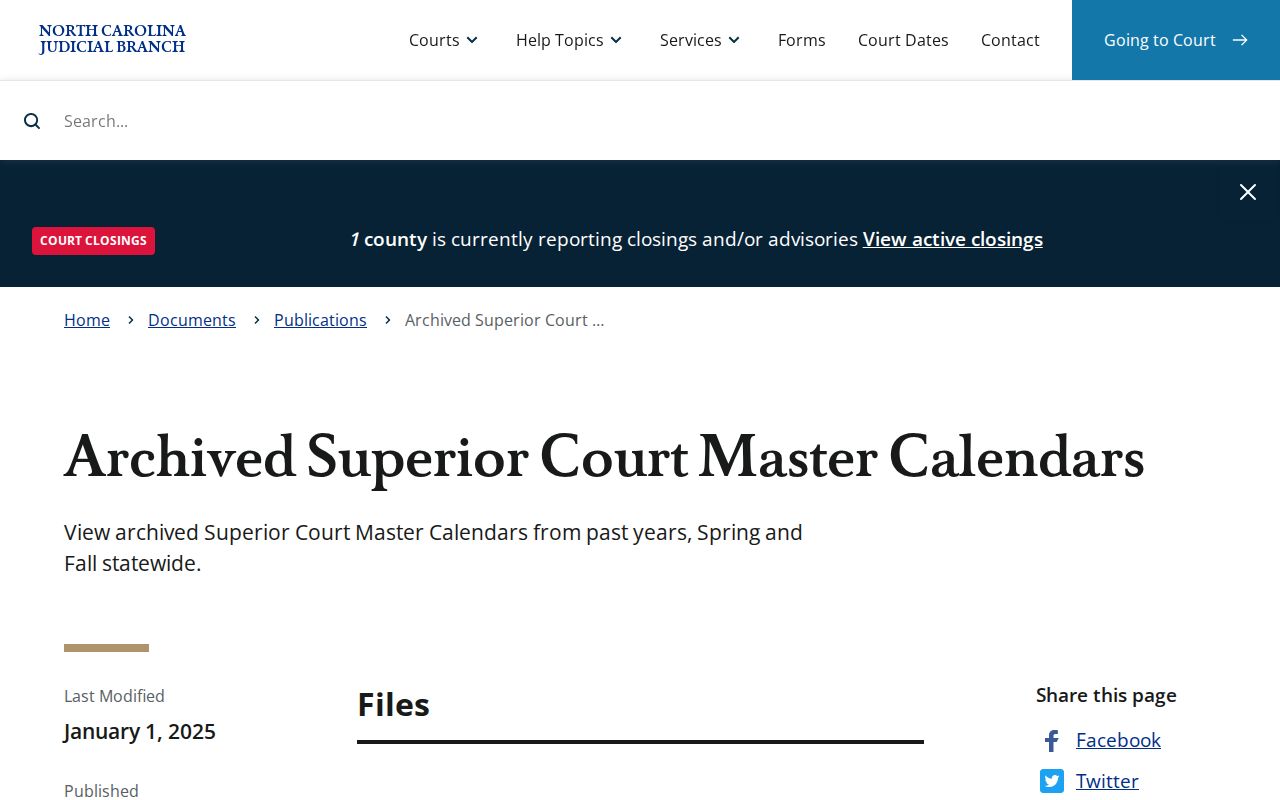
Before any appearance in North Carolina, pull the notice tied to that specific case. The Master Calendar is a starting point, never the final word. It tells you the term. Only the case-level entry or a current order tells you what a judge actually expects of you.
Other North Carolina schedules serve different jobs. County calendars and local administrative schedules lay out civil or criminal sessions. Those sessions sit at the county level. Business Court keeps its own calendar for cases in that specialized Superior Court forum. The Court of Appeals and Supreme Court publish oral argument calendars for appellate matters. An appeal runs on its own docket. So the original trial-court date list may say nothing about appellate activity. For a North Carolina appearance, always trace the case-level hearing. Follow the notice or order now in force.
When Notice and Calendar Differ
A North Carolina calendar can clash with a written notice for several reasons. A session may have moved. The schedule may be stale. The case entry itself may need a clerk's review. A blank result or an old date proves nothing about cancellation, so check the case number, the county, and later Register of Actions events before drawing any conclusion.
When a North Carolina court setting looks wrong, put the newest order beside the current schedule and compare. Still murky? Call the county Clerk of Superior Court or the Trial Court Administrator. A courthouse terminal or the clerk counter offers another public-search route, and remember that a saved calendar is only a snapshot. The court's current notice supplies the instruction.
Missing a North Carolina Court Date
A North Carolina hearing date has passed? Call the filing county's Clerk of Superior Court right away. Ask where the case stands and what to do locally. A calendar result alone cannot tell you everything. It cannot show whether the court set a new date, took other action, or expects a filing. Use the Judicial Branch missed-date information, and reach the right office through the county directory.
If You Missed a Setting:
Call the county clerk or court office to ask what the record shows and how to address the missed appearance. Consequences depend on the case and court action, so do not assume a new date was set automatically.
If the matter involved a traffic citation, confirm its status with the county court and follow the official case-specific instructions. A blank calendar is not proof that the obligation ended.
Write down which office you contacted. Also note what it told you, then look for a new notice or order in the court record. North Carolina handles scheduling county by county, even though public search runs through statewide tools. Let the issued notice and the court's own record guide what comes next.
Note: A blank online calendar proves very little. It does not establish that a case was dismissed, removed, or given a replacement date.