
Getting Court Records in North Carolina
Begin at the North Carolina eCourts Portal. Searching the Portal costs nothing. When a public document is attached to an eligible case, you can view it or print it free. Need a paper that is not online? Turn to the Clerk of Superior Court in the county where the case was filed. The clerk's office handles in-person inspection, public terminals, paper-file retrieval, and plain or certified copies, so ask about local pickup and payment while you are at it.
Want every option laid out? The official instructions cover them all. They walk through every online and courthouse route for North Carolina court records, from docket lookup to certified copy requests.
Searching a case online, inspecting a paper file, and ordering a certified copy are three different services in North Carolina. Pick the channel that fits the record you actually need.
- Search the Portal and save the case number, party caption, filing county, and document title if shown.
- Use a clerk-office public terminal or inspect the paper file in person when online material is missing.
- Call the North Carolina filing county’s Clerk of Superior Court to ask whether a specific copy can be requested by mail or email, what payment method is accepted, and whether postage or processing applies.
- For audio from a nonconfidential proceeding, ask about form AOC-G-114. A confidential recording uses AOC-G-115 for permission.
- If a transcript is needed, contact the court reporter or transcriptionist rather than treating it as a clerk copy.
Note: County hours, delivery methods, and accepted payment differ across North Carolina. Confirm local instructions before you drive over or mail anything.
North Carolina Court Records Have One Clerk
Every North Carolina county has exactly one elected Clerk of Superior Court. That office keeps the records for both Superior and District Court matters. This holds even when a case is heard in District Court or before a magistrate. The title can trip up a searcher with a misdemeanor, traffic, family, or small-claims matter. There is no separate District Court clerk to contact for those files.
Use the North Carolina County Directory to reach the right county record layer. The clerk in the filing county is the first stop for trial-court materials. That includes pleadings, orders, judgments, estates, and certified copies. Appellate filings live in the appellate system. NCAOC administrative records follow their own request path.
When you call, bring a case number or citation. Bring party names, the filing year, and the exact document too. No single statewide form, response time, or delivery method applies everywhere.
Types of North Carolina Court Records
A North Carolina court case file is broader than its docket. The county clerk may hold a wide range of papers. Depending on the case, that can include the register or event record. It may also include pleadings, motions, affidavits, exhibits, orders, judgments, warrants, notices, and proof of service. The Portal links some public documents. But the clerk's official file remains the fallback for anything not online. It is also the only source for certified copies.
Audio and transcripts work differently. The clerk handles audio requests. A reporter or transcriptionist prepares transcripts if the proceeding was recorded. Police, land, vital, and driver records sit with other offices entirely.
North Carolina Portal Results and Case Files
A Portal result is an index, not proof that every filing has been digitized. An event can appear with no linked order behind it. A courthouse terminal may show entries without every paper image. Older records often remain on paper or microfilm. No statewide source guarantees an oldest online year. So ask the clerk about the specific file.
North Carolina's supporting systems also play separate roles. Tyler File & Serve receives authorized electronic filings. Enterprise Justice/Odyssey runs as the court case-management environment. The eCourts Portal serves as the public search window. Neither a filing gateway nor a public result replaces the county clerk's underlying file.
| Record Need | Portal | County Clerk |
|---|---|---|
| Find a public case | Free statewide search and Register of Actions | Can help identify or confirm the local record |
| Read a linked filing | Public document links may be available | Holds papers that are not online or not scanned |
| Inspect older material | Does not promise a complete historical image set | Can check paper or archived records |
| Get an official copy | Portal view is not certified | Issues plain, certified, or exemplified clerk copies |
Note: A North Carolina docket listing confirms an event was recorded. It does not establish that every supporting paper is attached to the Portal entry.
Inside a North Carolina Court Record
A North Carolina case file gathers the papers and actions that form the official court record. Its contents vary with the type and age of the matter. A public Portal entry may show only part of it. The county clerk can confirm whether a requested item exists, sits in paper form, or falls under a restriction.
| Case Identifier | Case number, court, county, filing date, and case type connect the file to its public search result. |
|---|---|
| Pleadings | Filed papers such as a complaint, answer, petition, motion, or affidavit, depending on the case. |
| Case Events | The register records filings, hearings, continuances, orders, judgments, and other case activity. |
| Orders and Judgments | Formal rulings or final decisions entered by the court or clerk with authority. |
| Exhibits and Notices | Attachments, notices, warrants, proof of service, or other items filed in the matter. |
| Audio or Transcript | A separate record product, available only if a proceeding was recorded and the material may lawfully be released. |
Evidence and exhibits are not necessarily online just because they were filed. The public record may also mask personal identifiers or leave out confidential material. For the exact wording of an order, request the order itself rather than trusting the short event description.
North Carolina Court Records at Public Terminals
A North Carolina public terminal helps when an online search is unclear or a paper file needs in-person inspection. Judicial Branch guidance confirms terminals in clerk offices. County hours and retrieval procedures differ, though. A terminal will not open restricted records or guarantee historic scans.
- Identify the North Carolina county where the case was filed and check current contact details through the official court locations directory.
- Bring the case number or citation, the names as written on the case, and the approximate filing year.
- Ask whether the item is on the public terminal, in a paper file, or needs staff retrieval from an archive.
- Before requesting copies, confirm the per-page and certification charges, accepted payment, and any postage or processing instructions.
Check whether archive retrieval is needed before you visit. Terminal hours and procedures vary by county.
North Carolina Certified Copies and Fees
Fees for North Carolina court record copies come from the statewide miscellaneous cost chart, which takes effect January 1, 2026. A plain copy runs $2 for the first page. Each additional page or fraction costs 25 cents. Certification under seal adds $3. Exemplification, a more formal service, costs $10. When an official clerk seal matters, ask for a certified copy; a printout or online image is not the same thing.
The dollar amounts are the same statewide, though how you pay and receive copies can differ by county. Call the clerk before mailing anything. No email delivery or completion date is promised.
The Judicial Branch's current court costs page posts the official schedules, including these copy and certification charges.
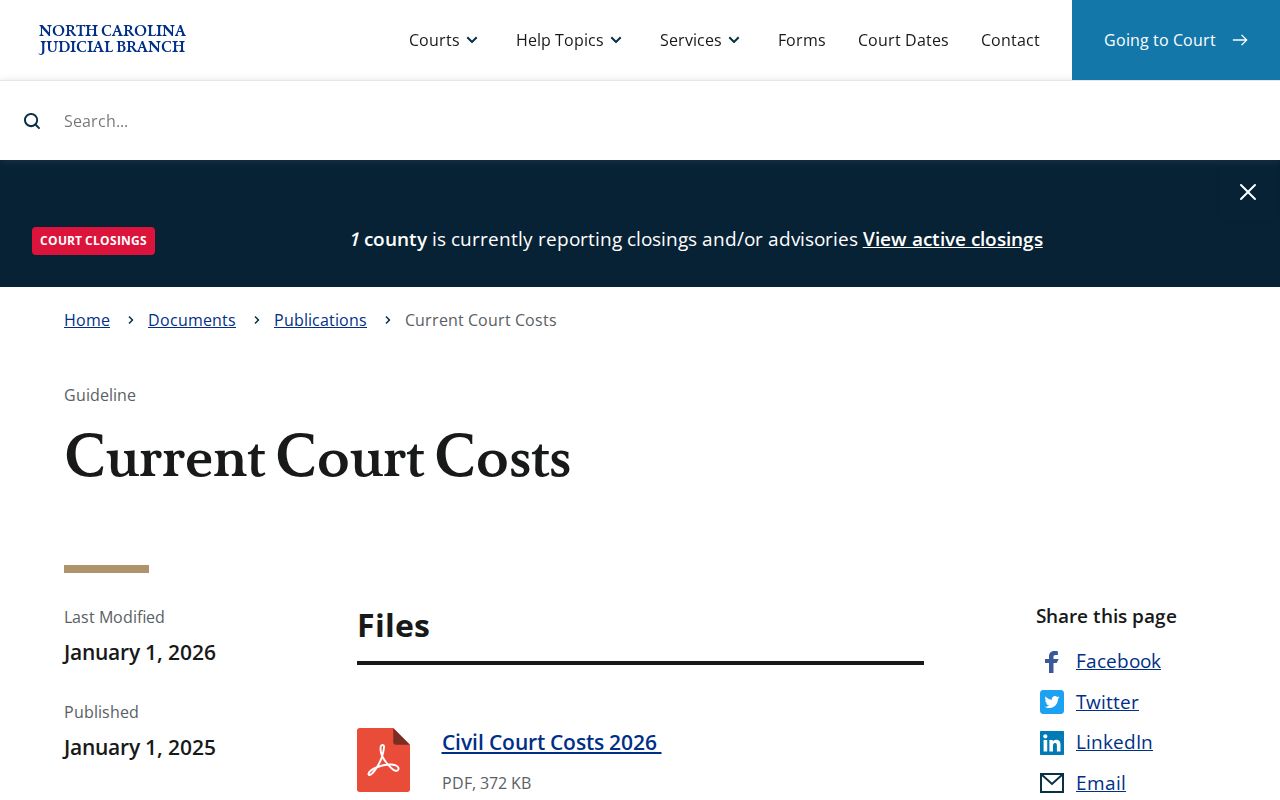
Make sure the cost chart in effect matches the date of your request. The county clerk can also tell you about any local fulfillment or delivery charges before you pay.
| Record or Service | 2026 Amount | What the Charge Covers |
|---|---|---|
| Plain copy, first page | $2 | First page of each document copied. |
| Additional copy pages | $0.25 per page or fraction | Each page after the first page of a document. |
| Certificate under seal | $3 | Certification charge, in addition to applicable copy pages. |
| Exemplification | $10 | Formal authentication service, separate from an ordinary certified photocopy. |
| Criminal record search | $25 | Separate clerk search service, subject to statutory exceptions; not the free Portal lookup. |
| Portal public case search | Free | Ordinary public search; available linked documents may also be viewable or printable without charge. |
Note: The 2026 chart applies statewide. For postage, local handling, or payment processing on a specific request, ask the county clerk directly.
North Carolina Court Audio and Transcripts
Audio and transcripts in North Carolina travel two separate roads. Want audio of a nonconfidential proceeding? Ask the clerk about form AOC-G-114. Form AOC-G-115 is the one for permission to hear a confidential recording. Neither form requests the case file or a copy of an order. The clerk can tell you whether a recording exists and which access rules govern it.
Transcripts work differently. The assigned court reporter or transcriptionist prepares them. So a transcript is not something the clerk simply photocopies. Some proceedings are never recorded. That means no transcript may exist at all. Ask the reporter or transcriptionist about availability, rates, and timing. There is no single statewide transcript price or guaranteed turnaround.
The North Carolina forms index carries these audio request forms among the statewide set. Need the exact spoken testimony from a hearing? Confirm the proceeding was recorded before ordering a transcript.
Sealed Court Records in North Carolina
Access limits in North Carolina hinge on the record itself. A judge can seal a case or a single document. Juvenile abuse, neglect, and dependency files are confidential. Delinquency records carry their own restrictions. Certain protection-order details demand elevated access. That still does not make every related adult case private. So always check the specific case.
Expunction is not the same as sealing. Once an expunction order takes effect, the statute removes ordinary public access. NCAOC keeps a confidential expunction file too. A docket search that turns up nothing does not prove a case never existed. Even when a case stays public, personal identifiers may be redacted.
North Carolina access rules:
G.S. 7A-109 addresses public inspection of clerk-held court records except where access is restricted by law.
G.S. 7B-2901 limits access to juvenile abuse, neglect, and dependency records.
G.S. 7B-3000 sets confidentiality rules for juvenile delinquency records.
G.S. 15A-151 governs the confidential expunction file held by NCAOC.
Registering with the North Carolina Portal does not override a sealing order or a statute. A record looks missing? Verify the case number and county first. Then ask the Clerk of Superior Court about the file's status. It may be restricted, expunged, transferred, or simply not scanned.
Note: A search result can leave out protected information. Other entries in the same case can stay open to the public.
North Carolina Court Files and Chapter 132
Chapter 132 in North Carolina governs government-agency records. It covers items like NCAOC administrative materials, not county court files. NCAOC holds no trial case files, docket sheets, or case information. Its public-record request form reaches only the records NCAOC actually keeps.
A court file is different. Get it through the Portal. A clerk-office terminal works too. So does the Clerk of Superior Court in the filing county. G.S. 7A-109 covers clerk-record inspection and remote access, within lawful limits. G.S. 1-72.1 offers a motion process to assert access, though filing one does not guarantee release.
A Chapter 132 request can trigger actual copy costs. It can also bring a special service fee for extensive agency work under G.S. 132-6.2. There is no statewide clerk-copy form, mail or email method, ID rule, deadline, or turnaround. Ask the local clerk how to submit and pay.
The Judicial Branch's Chapter 132 explanation draws a line. It separates agency records from court case records.
Chapter 132 fits NCAOC-held administrative records. For a case-specific file or a certified court copy, go through the county clerk instead.