
Running a North Carolina Statewide Case Search
For a statewide North Carolina docket search, begin at the North Carolina eCourts Portal. This is the Judicial Branch's public gateway to trial court records. Its Smart Search tool looks up cases by party name or case number. You can narrow results by location, case type, or status. Every one of the state's 100 counties runs on eCourts after the statewide rollout on October 13, 2025. Searching is free. No registration is required. An account lets you save cases to a My Cases list, which grants no extra access to records.
A matching case opens the Case Summary and Register of Actions. That helps you identify the case. But it is not the county Clerk of Superior Court's full file. Older paper filings were not necessarily scanned during the conversion. For field names and how the screens behave, the official Portal training guides are the best reference.
From the official Portal landing page you can reach Smart Search, Hearings, Payments, and Judgment Search. The rest of the menu greets every visitor there too.
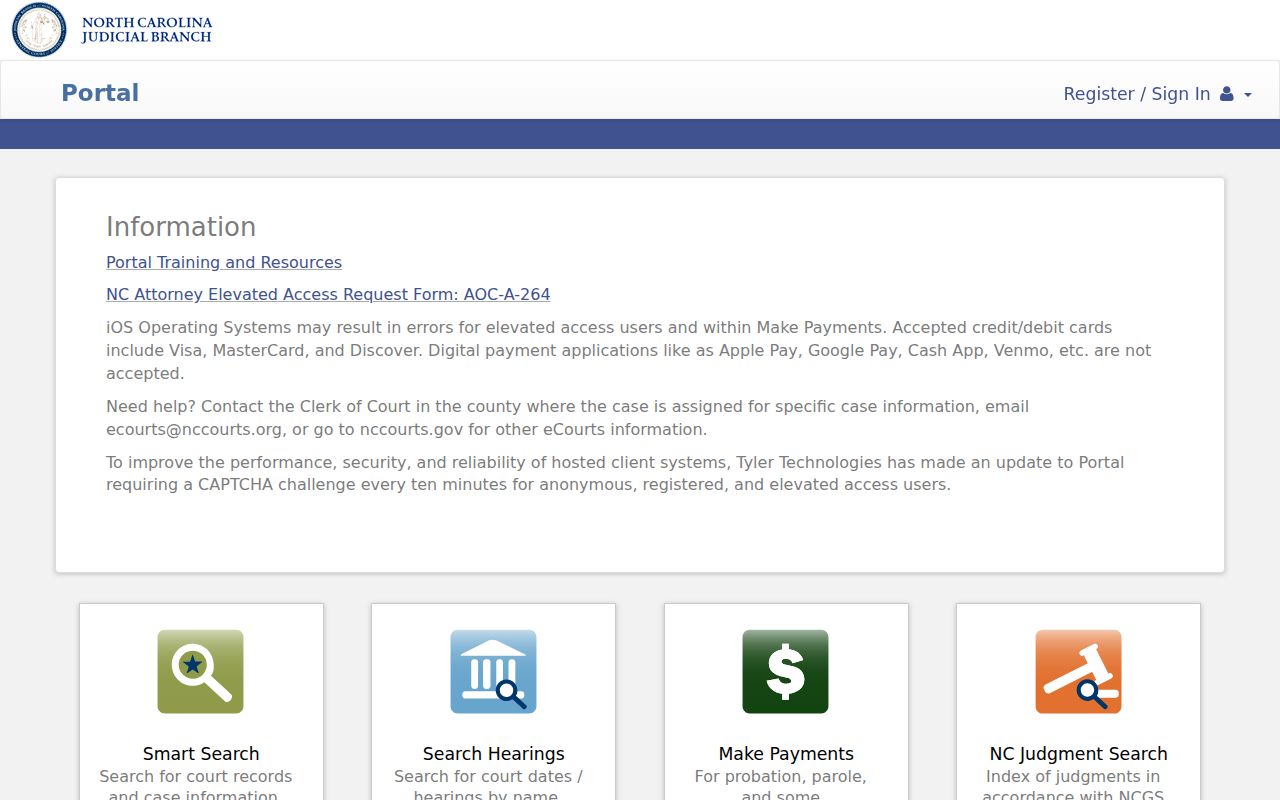
Use Hearings for date and setting searches; Payments and Judgment Search are separate tools.
- Open Smart Search; use a case number if known, or enter a party’s last name before the first name.
- Run a broad search, then refine by search type, location, party, case, case type, or status.
- Open the case number and note the county, court, events, and any document title.
- Ask the county clerk for a paper or certified record that is not linked.
| Portal Field or Control | Use | Guide-Based Note |
|---|---|---|
| Smart Search query | Enter a case number or party name | For a person, enter last name, then first name. |
| Search Type | Refine an advanced search | Guide describes case number, business, citation, party, and attorney searches. |
| Location | Limit by county when useful | The 2023 guide shows early locations only; it is not a current dropdown list. |
| Party Search Criteria | Refine a name search | Date of birth is masked from public view. |
| Case Search Criteria | Filter case number, type, or status | Filters are optional and can narrow the result set. |
| Case Type and Status | Choose a category or procedural status | A mismatched combination can hide a known case. |
| Results | Open a case number to view details | Basic searches return no more than 200 records. |
| Pagination or export | Move among or extract results | Current public pagination and export behavior were not verified. |
North Carolina Portal Search Limits
Smart Search caps results at 200 records in North Carolina. A common surname can hit that ceiling long before the case you want surfaces. Use a case number whenever you have one. Otherwise, tighten the search one step at a time. Add a location, then a filing period, then a case category. The advanced Search Type setting matters as well. An attorney, business, or citation entered as a plain party name may return nothing useful.
When an identifier is incomplete, the Portal guide recommends wildcard fragments. Type at least four case-number characters followed by an asterisk. Or use four business-name characters plus an asterisk. For names, use at least three last-name characters and an asterisk. A single first-name character with one also works. If filters return nothing at all, loosen the search. The Portal guide dates from October 2023, so current dropdown labels and export options may differ from what it describes.
North Carolina Case Number Searches
A North Carolina trial case number has four parts. It starts with a two-digit year, then case-type letters, a six-digit sequence, and a three-digit county code. The official guide offers 21CR000003-910 purely as a format sample. The letters carry meaning. "CR" signals at least one criminal offense on the docket. "IF" marks a case with infractions only, and a mixed matter may still use CR.
When searching by case number in North Carolina, enter it exactly as printed on your citation, notice, or court paper. If the lookup fails, recheck each piece. Check the year, the letters, the sequence, and the county suffix. The guide also covers wildcard searches for partial numbers. It does not confirm how every punctuation or spacing variation will behave in the live application.
North Carolina Filing and Case Search Systems
Three separate systems serve North Carolina courts. Each has its own job. Tyler File & Serve handles filings. Enterprise Justice, also called Odyssey, is the internal case-management system. The eCourts Portal is what the public uses to search court records. You do not need a filer account to look up a case there.
Data flow runs from File & Serve → Odyssey case processing → public Portal information when legally available → official file or certified copy through the county clerk. No public API, bulk download, or guaranteed update interval was found.
The File & Serve gateway is a separate filer workflow.
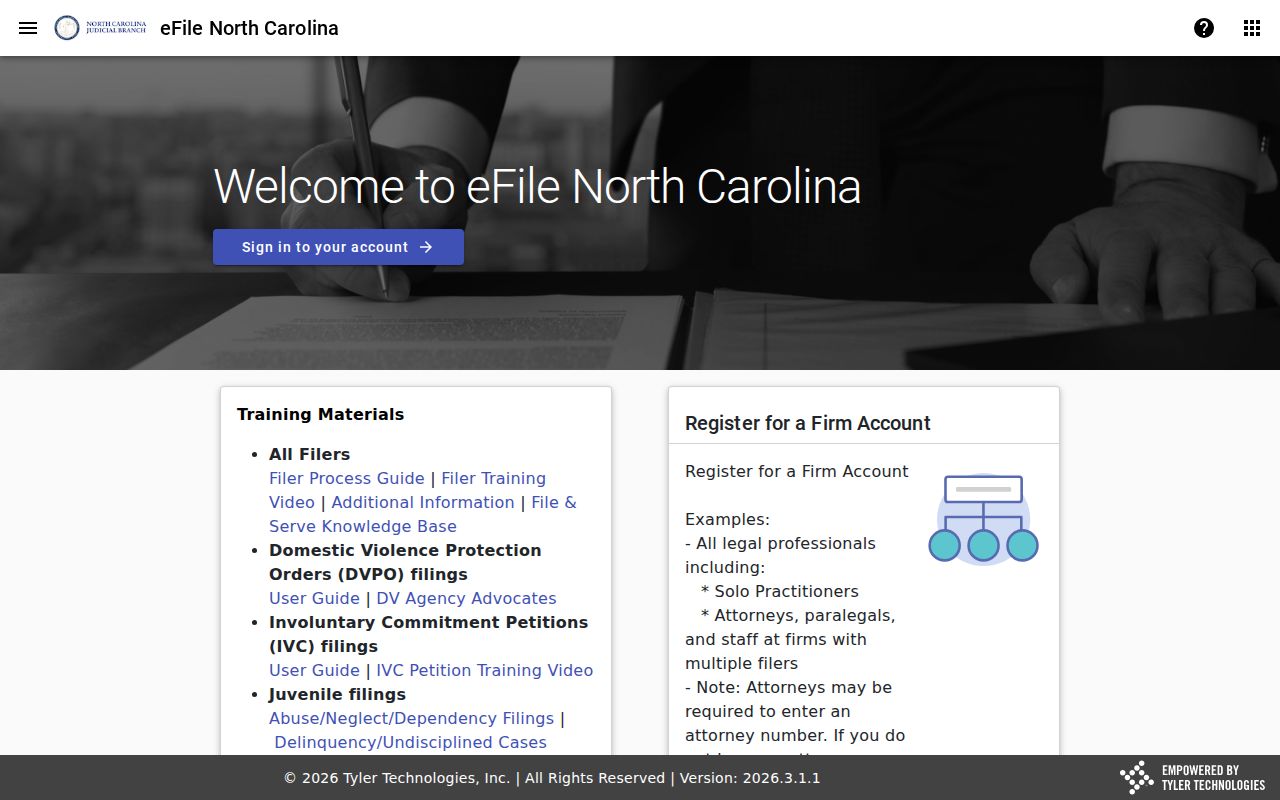
Keep one thing straight. The filer portal exists for attorneys and parties submitting filings, not for public docket browsing. To see how the courts handle technology statewide, visit the North Carolina Court System page.
What a North Carolina Case Search Returns
The North Carolina Portal packs a lot into its Case Summary and Register of Actions. One docket view can pull together case identity, court assignment, party information, causes or charges, case events, disposition, hearings, and financial information. What actually appears varies. It depends on the case itself and on the lawful access tied to your account. The inventory here follows North Carolina Portal training rather than one live record. On-screen labels may differ slightly over time.
| Case Information | Case number, filing date, case type, county, court, and public status details. |
|---|---|
| Assignment | Assignment information for the court handling the matter, when shown. |
| Parties | Public party names and roles; sensitive identifying details are withheld or masked. |
| Cause or Charge | The claim, offense, or other case issue associated with the record. |
| Case Events | Chronological docket entries such as filings, hearings, motions, orders, or other actions. |
| Disposition | A recorded resolution of the case or charge; a linked signed order may still need to be requested. |
| Hearings | Scheduled settings may appear with date, time, and location information. |
| Financial Information | Publicly available financial entries for the case, subject to its access settings. |
| Documents | Public links may accompany events, but not every paper in the clerk’s file is online. |
A Register of Actions is not a transcript. It is not an evidence finding, and it is not a certified copy of anything. An entry can list an order without showing its full text, so when exact wording matters, ask the county clerk for the document itself.
When a North Carolina Case Search Finds Nothing
A blank North Carolina case-search result does not always mean the case is gone. It can trace back to a misspelled name, party order, wrong number, a conflicting filter, a citation not yet entered, or an older paper file that was never scanned. Even a statewide county search leaves gaps. Confidential or restricted cases stay hidden, and plenty of historic documents simply are not online.
Still nothing? Go to the filing county. The North Carolina County Directory lists every Clerk of Superior Court, and the clerk can check whether a record is restricted, unscanned, or held elsewhere. When you call, give the names on the court paper, the case number or citation, and the filing year. Registration does not broaden public access.
Note: No result may reflect a filter, privacy rule, or digitization gap rather than the absence of a court file.
North Carolina Statewide vs County Search
Not sure which county holds the case? Start with North Carolina's statewide Portal. It is the right tool when the filing county is unknown or the goal is simply to identify a public trial case anywhere in the state. The county clerk is the better stop for deeper needs. That means the actual paper file. It also covers a document the Portal does not link, an older record, or a certified copy. Every North Carolina county elects one Clerk of Superior Court, and that office maintains both Superior Court and District Court records. The title is narrower than the job.
| Need | North Carolina eCourts Portal | County Clerk of Superior Court |
|---|---|---|
| Find a public state trial case | Search the statewide index by case number, name, or guide-described criteria. | Useful when the filing county or case is already known. |
| Read the event list | Open the Case Summary and Register of Actions. | Ask for the fuller register or inspect the official paper file. |
| Get a filed document | View or print a public linked document when one is available. | Request the specific paper or image not available online. |
| Obtain an official copy | A Portal result is not a certification. | Request a plain, certified, or exemplified copy from the county clerk. |
Three shortcuts cover the routing. Use the county directory for local routing, the official court-record instructions for access details, or the North Carolina Court Record Search page for copy requests.
North Carolina Appellate Case Searches
The eCourts Portal tracks North Carolina trial cases. It stops there. A notice of appeal and the record-preparation steps may still show on the county case, but the appeal itself gets its own appellate docket and its own filings. For Supreme Court and Court of Appeals filings, search the North Carolina Appellate Courts document library. Published decisions sit on the opinions page. Neither resource is part of a county Register of Actions.
Federal cases sit outside the state Portal too. Civil, criminal, and bankruptcy matters in federal district court run on CM/ECF for case management and filing, with public access through PACER. North Carolina has Eastern, Middle, and Western federal districts. Follow the relevant federal court's own access instructions, since a state case number will not locate a federal case.
One case can therefore carry more than one docket across court levels. Check the trial county first. The appellate library holds state appellate filings, and PACER covers any federal proceeding.
Restricted Cases in North Carolina
North Carolina public search has limits. Some are case-specific; some are document-specific. Juvenile abuse, neglect, and dependency records are confidential under G.S. 7B-2901, and juvenile delinquency records face limits under G.S. 7B-3000. A sealed paper or sealed case never appears in an ordinary Portal search. Some protection-order information needs elevated access. That rule does not make every related adult case confidential.
Expunction works differently from sealing. After an expunction order, public access is removed as the statute directs, and the NCAOC keeps a confidential expunction file under G.S. 15A-151. A blank result proves nothing about whether a matter existed. Identifiers can be suppressed while the rest of a public case stays visible, and optional registration overrides none of these rules.
Access rule: Court files are governed separately from the North Carolina Public Records Law, Chapter 132. Court-record access includes G.S. 7A-109, which provides for public inspection of clerk-held records except where access is restricted by law.
A missing case is not always a closed door. When a North Carolina case search skips a case that should be public, first double-check the name, the number, and the search type. Then contact the county Clerk of Superior Court. The county directory lists the office that holds the state trial file.
North Carolina Case Coverage and Old Files
All 100 North Carolina counties now run on eCourts. Participation is not the same as complete online files. The rollout notice puts the final county transition on October 13, 2025. Legacy data from former systems was converted. Counties also scanned some material before go-live. No official source promises a guaranteed oldest searchable year, and none promises that every historic paper, exhibit, or order has an image.
With an older case, work in steps. Locate the public case summary if one appears. Then ask the county clerk whether the needed filing is online, sits in a paper file, or rests in an archive. If no case appears, give the clerk the case number, party name, or filing period so the office can tell a search mismatch from a restricted or unscanned record. The statewide rollout marks a common launch date, not a promise that history is digitized.
One page explains the platform itself. The North Carolina Judicial Branch's eCourts overview describes the statewide system and its rollout across the courts.
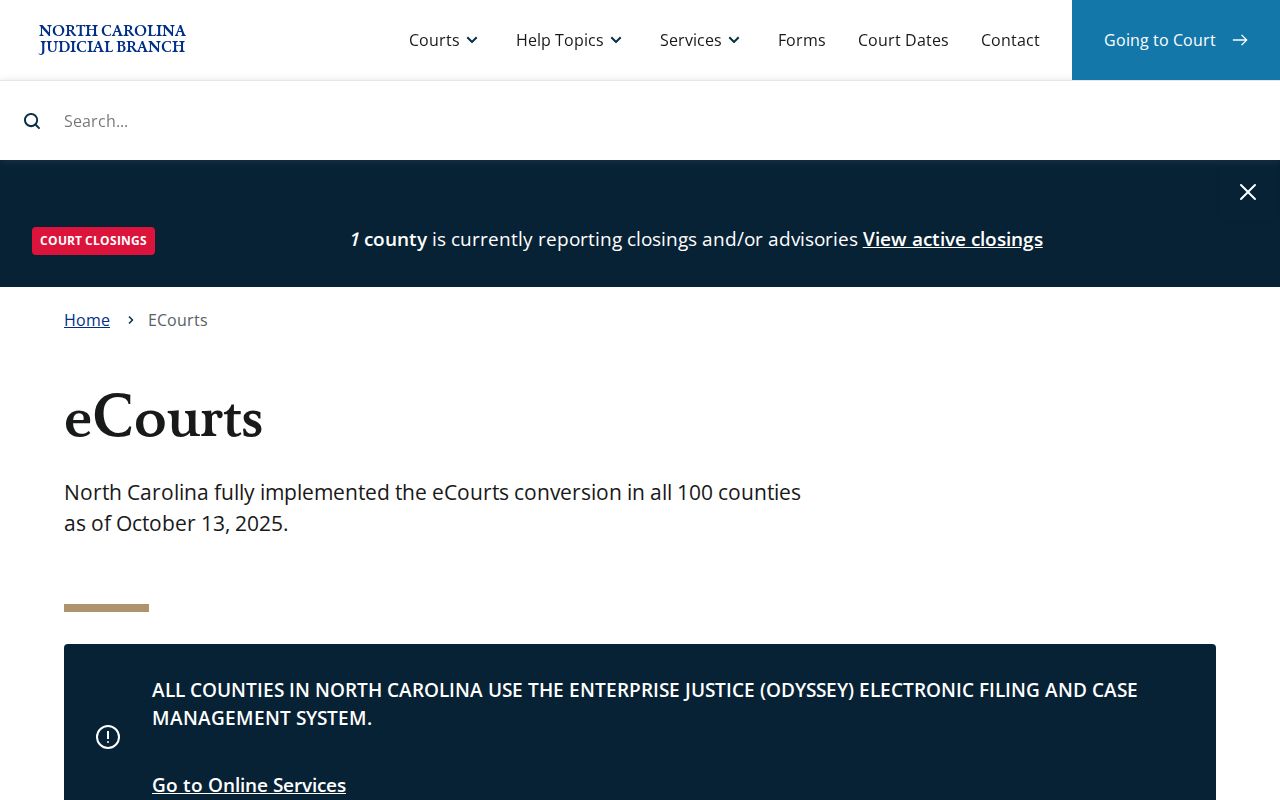
Think of the Portal as a front door. It opens onto public case information across North Carolina, while county clerks remain the route to the underlying official file and to material that is not online.
Note: statewide eCourts coverage describes the platform footprint only. It is not a promise of full scanning or unrestricted access to every record.